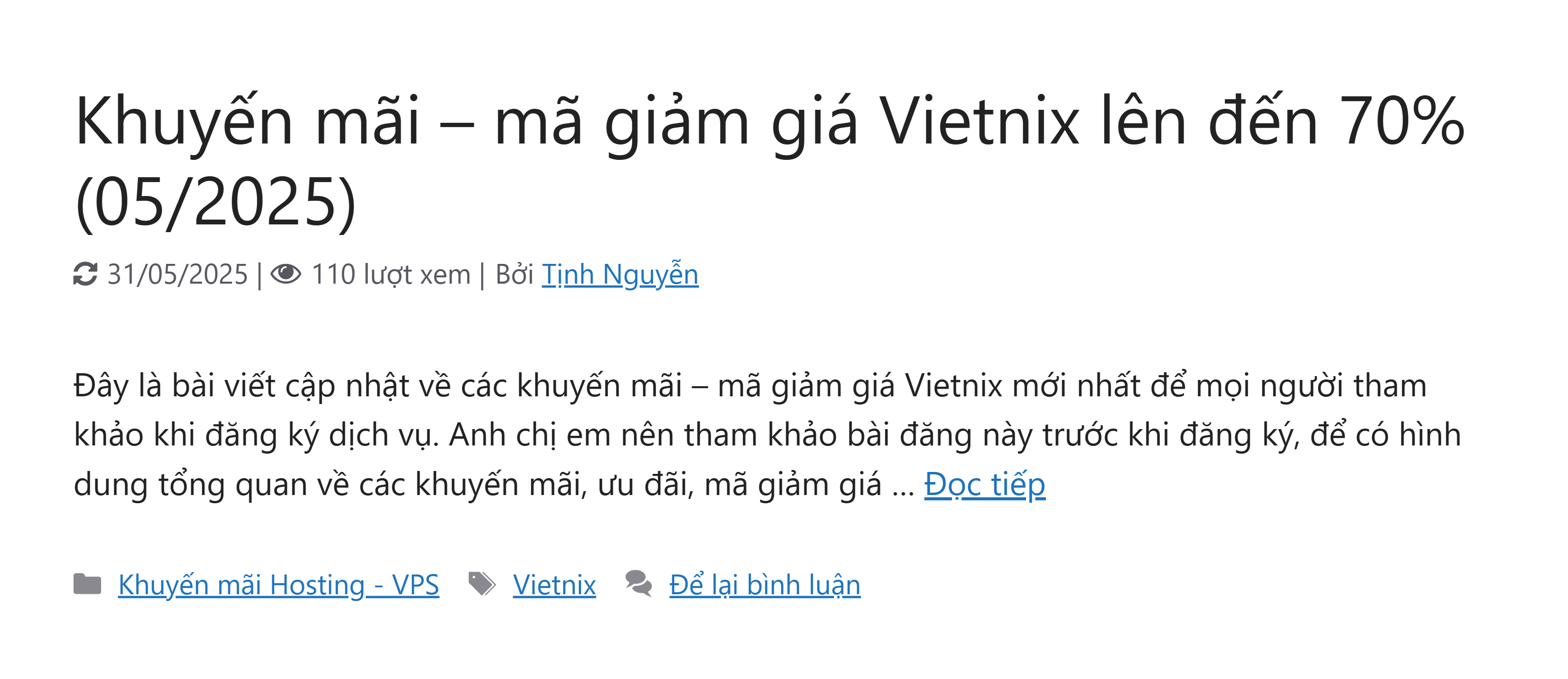
Bài viết này beta.hocban.vn/ chia sẻ đến bạn cách hiển thị ngày cập nhật bài viết theme GeneratePress. Bạn nào có nhu cầu thì tham khảo thử nhé. Cách làm cũng đơn giản thôi, bạn đem đoạn code bên dưới dán vào cuối file functions.php của theme/ child theme đang dùng và xem thành quả. Dưới đây có 2 tuỳ chọn, bạn thích cái nào thì dùng cái đó.
Code hiển thị ngày cập nhật bài viết v1
Mã nguồn
//CODE HIỂN THỊ NGÀY CẬP NHẬT BÀI VIẾT

function custom_replace_post_date( $output, $time_string ) {
$updated_date = get_the_modified_date( 'd/m/Y' );
$icon_html = '<i class="fa fa-refresh" aria-hidden="true" style="margin-right:5px;"></i>';
$output = str_replace( get_the_date( 'd/m/Y' ), $icon_html . $updated_date, $output );
$output = str_replace( 'Đăng ngày:', 'Cập nhật:', $output );
return $output;
}
add_filter( 'generate_post_date_output', 'custom_replace_post_date', 10, 2 );

function enqueue_font_awesome_for_date_icon() {
wp_enqueue_style( 'font-awesome', 'https://cdnjs.cloudflare.com/ajax/libs/font-awesome/4.7.0/css/font-awesome.min.css' );
}
add_action( 'wp_enqueue_scripts', 'enqueue_font_awesome_for_date_icon' );

//HẾT CODE HIỂN THỊ NGÀY CẬP NHẬT BÀI VIẾT
CSS để chèn vào CSS bổ sung:
Mã nguồn
.fa-refresh:before { content: "\f021"; color: #7e7e85; }Code thay thế ngày cập nhật cho ngày đăng v2
Mã nguồn
// Thay đổi ngày đăng thành ngày cập nhật
function custom_replace_post_date( $output, $time_string ) {
$updated_date = get_the_modified_date( 'd/m/Y' );
$icon_html = '<i class="fa fa-refresh" aria-hidden="true" style="margin-right:5px;"></i>'; // Biểu tượng cập nhật
$output = str_replace( get_the_date( 'd/m/Y' ), $icon_html . $updated_date, $output );
$output = str_replace( 'Đăng ngày:', 'Cập nhật:', $output );
return $output;
}
add_filter( 'generate_post_date_output', 'custom_replace_post_date', 10, 2 );

// Tự động nạp Font Awesome nếu chưa có
function enqueue_font_awesome_for_date_icon() {
wp_enqueue_style( 'font-awesome', 'https://cdnjs.cloudflare.com/ajax/libs/font-awesome/4.7.0/css/font-awesome.min.css' );
}
add_action( 'wp_enqueue_scripts', 'enqueue_font_awesome_for_date_icon' );


// HẾT code thay đổi ngày đăng thành ngày cập nhật
Hóng cho Flatsome bác ạ.
Sẽ vọc dần á bác, e đang hoàn thiện cho theme GenratePress. Xong là e quay lại quẩy với Flatsome ^^